Video Scroll in Webdesign: The Ultimate Guide
Everything you need to know about video scroll animations in 2026: how they work, the 3 technical approaches, performance, SEO, and how Scrollsequence modernizes the workflow.
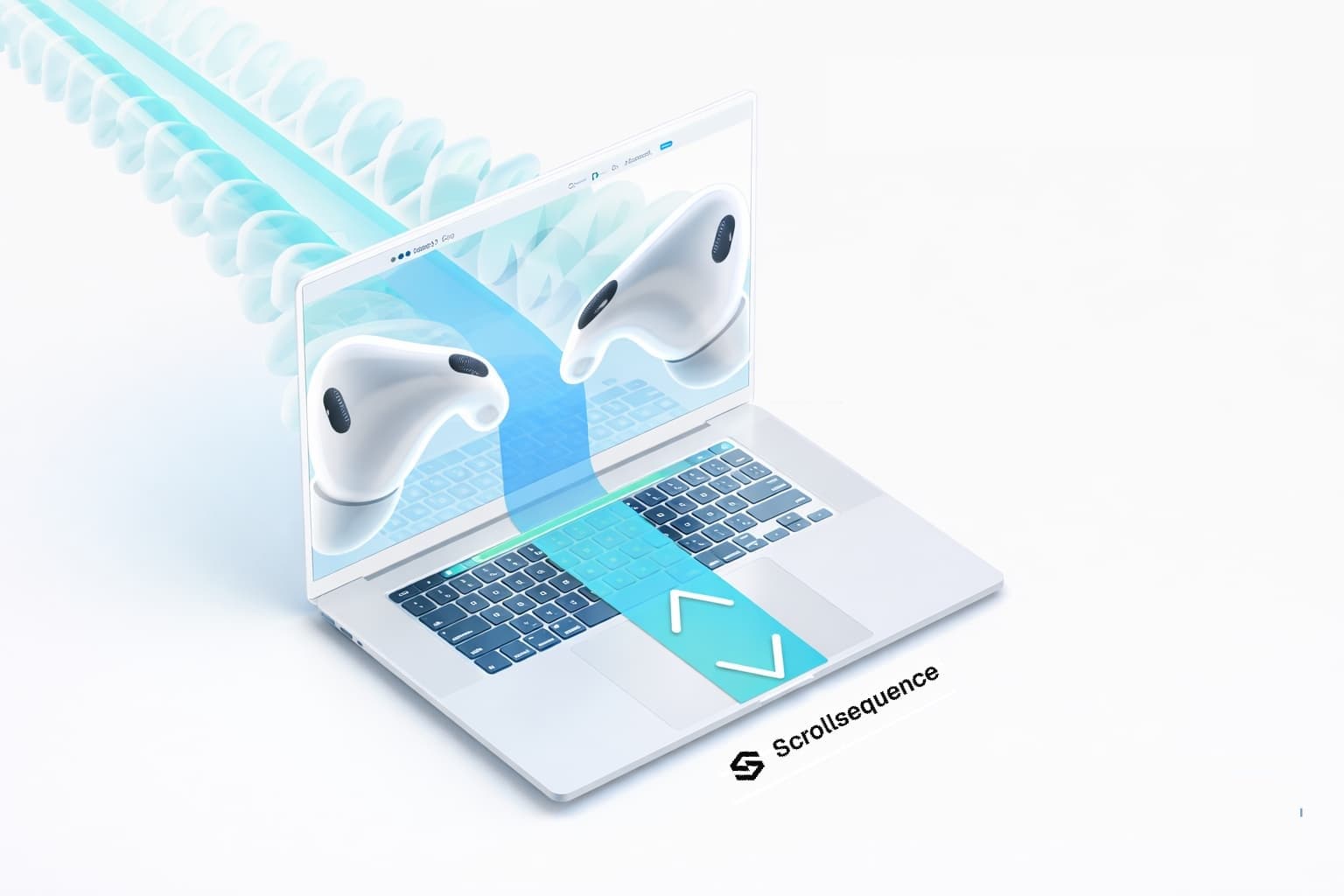
When I was writing the first version of Scrollsequence in 2020, it was extremely difficult to even get started when trying to make this type of effect. No tutorials, and only a handful of companies used it in production. And even those cases were not easily reproducible...
Today you can talk to your IDE and ask it to make a video scroll animation and it will give you an example in a few minutes.
But it is still a struggle to get it right.
Video scroll is a scroll-controlled playback effect where a cinematic animation moves forward and backward as the user scrolls. It is one of the most compelling interactive design techniques on the web today, commonly seen on flagship product reveals from Apple, Sony, and Polestar. By linking playback directly to user scroll position, it transforms passive video into an active, tactile experience where the visitor feels entirely in control.
In this ultimate guide, we break down what video scroll is, explore the three technical ways to implement it, examine the critical performance and SEO considerations, and show how the new Scrollsequence architecture streamlines the entire process.
What is "Video Scroll"?
Video scroll (also known as scroll-scrub video, scroll-controlled video, or scroll-driven image sequence animation) creates a direct link between the user's scrollbar/touch gestures and visual progress:
- Scrolling down advances the animation forward.
- Scrolling up rewinds the animation backward.
- Pausing scroll freezes the animation crisply on the current frame.
While it creates the illusion of scrubbing through an ordinary MP4 file, there are three fundamentally different technical architectures used under the hood:
- Image Sequences rendered to HTML5 Canvas (The industry gold standard for reliability and 60 FPS performance).
- True
<video>Scrubbing (Directly adjusting video playback or timecode on scroll). - Real-time 3D / WebGL (Live 3D scenes via Three.js, WebGL, or Spline).
Why Do Leading Brands Use Video Scroll?
Video scroll is remarkably effective because it combines motion with user interaction. Rather than playing an autoplay video that users scroll past or tune out, video scroll forces active engagement.
Key Business & UX Outcomes
- Higher Engagement & Dwell Time: Interactive storytelling hooks visitors immediately, reducing bounce rates on landing pages.
- Superior Product Comprehension: Complex engineering, exploded assemblies, or internal components can be peeled back layer-by-layer at the user's pace.
- Premium Brand Perception: High-fidelity scroll animations give websites an unmistakable tier of polish and luxury.
User Action (Scroll) ---> Hardware Accelerated Canvas (Frame Draw) ---> Dynamic HTML Layer SyncTypical Real-World Use Cases
- Product Rotations & 360° Showcases: Allowing customers to inspect watches, tech devices, or hardware from every angle.
- Exploded Views & Engineering Layers: Revealing internal components or safety chassis (like how Polestar showcased safety features).
- Macro-to-Wide Craftsmanship Reveals: Transitioning seamlessly from microscopic surface texture to the complete product silhouette.
- Text & Feature Callouts Synced to Movement: Floating headlines and benefit badges that pin, fade, and highlight in rhythm with visual milestones.
Looking for creative inspiration? Explore our breakdown of 7 inspiring examples of image sequence scroll animation from brands like Apple, DJI, and Sony.
How Video Scroll Works: The 3 Approaches
Let's examine how each of the three technical approaches functions in the browser, along with their trade-offs.
Method 1: The Reliable Standard — Image Sequences on Canvas
This is the technique relied upon by Apple, Sony, and Scrollsequence. Instead of asking the browser to seek through a compressed video stream, the source video is pre-rendered into a sequence of optimized image frames (WebP or JPG) and rendered onto an HTML5 <canvas>.
How it Works
- Take a clean video or 3D render (typically 3–8 seconds at 30 or 60 fps).
- Extract the video into individual image frames.
- Map the page scroll offset (or scroll timeline) directly to frame index:
- Draw the corresponding frame instantaneously onto a
<canvas>element using hardware-accelerated 2D rendering.
Why Canvas Image Sequences Win
- Instant Bi-Directional Scrubbing: Moving backward is just as fast and seamless as moving forward. There is zero decoding latency or buffering lag.
- Frame-Accurate Precision: You can lock specific frames to exact pixel positions, typography animations, and CTA reveals.
- Predictable Cross-Browser Performance: Works identically on Safari iOS, Chrome Android, Firefox, and legacy browsers without video codec quirks.
- Adaptive Multi-Resolution: Smaller screens can load 1280px assets while 4K displays load 1920px+ assets automatically.
What's New in Scrollsequence v2: Modernizing the Workflow
In earlier versions of image-sequence workflows, creators had to extract frames manually in Photoshop or command-line FFmpeg, upload hundreds of images via FTP or the Media Library, and configure complex shortcodes.
Scrollsequence v2 transforms this workflow for both WordPress users and modern developers:
1. Native Gutenberg Block Suite
Scrollsequence v2 replaces legacy shortcodes with dedicated block components:
SceneBlock: Manages sticky pinning, viewport height (vh), and scroll timing.LayerBlock: Positions responsive floating HTML elements (headlines, CTA buttons, badges) with smooth scroll-driven opacity and scale keyframes.Canvas 2DBlock: Houses the high-speed canvas engine and controls responsive image groups.
2. Built-in "Media Tools" (vid2ssq)
Inside the Canvas 2D block editor, the new Media Tools modal provides an integrated pipeline:
- Direct Video-to-Sequence Conversion: Select a video and let the embedded
vid2ssqtool automatically extract frames, optimize quality, and generate multi-resolution folders (1280,1920) without leaving WordPress. - Generative AI Utilities: Integrated
img2vidandimg2imgcapabilities for concept experiments.
3. 3D WebGL Depth Maps (The Best of Both Worlds)
v2 introduces monocular 3D depth estimation. By feeding a grayscale depth sequence into a real-time WebGL shader, Scrollsequence applies interactive mouse tilt, parallax, and depth displacement directly over standard image sequences—delivering pseudo-3D realism without the weight of full 3D geometry.
4. Developer CLI & React SDK
Building outside WordPress? The engine is available across platforms:
# Convert any video into multi-resolution sequences and manifest
npx scrollsequence vid2ssq hero-video.mp4 --sizes 1280,1920 --format webp
And integrate directly into React or Next.js:
import { Scene, Layer, Canvas2d } from "scrollsequence/react";
import manifest from "@/public/hero-sequence/scrollsequence-manifest.json";

export function Hero() {
  return (
    <Scene>
      <Layer>
        <Canvas2d
          mediaGroups={[{
            type: "manifest",
            rootDir: "hero-sequence/",
            imageSizes: manifest.imageSizes,
          }]}
        />
      </Layer>
      <Layer placement="center center">
        <h1 className="text-5xl font-bold text-white">Cinematic Video Scroll</h1>
      </Layer>
    </Scene>
  );
}
Method 2: True Video Scrubbing (<video> Element)
At first glance, setting video.currentTime = scrollProgress * video.duration seems like the simplest solution. You only need to serve a single .mp4 or .webm file.
However, in production, true video scrubbing introduces significant hurdles:
- Keyframe Dependency (GOP Size): Modern video codecs (H.264/H.265/AV1) do not store every frame as a complete image. Instead, they store a keyframe (I-frame) followed by delta changes (P-frames, B-frames). Seeking backward requires the browser to locate the previous keyframe and compute all intermediate frames, resulting in stutter and latency.
- Mobile Hardware Decoders: Mobile operating systems throttle media decoders aggressively to conserve battery life. Rapid scroll scrubbing frequently crashes decoder instances or drops to sub-15 FPS.
- CSS Scroll-Timeline Limitations: Emerging CSS specifications like
@scroll-timelineallow declarative scroll linking, but browser support remains fragmented outside Chromium.
When to use it: Very short video loops (under 2 seconds) on desktop-only experiences where users scroll gently in one direction.
Method 3: Real-Time 3D (Three.js, WebGL, Spline)
Instead of using video frames, a 3D scene is rendered in real time. The user's scroll position drives virtual camera movements, light angles, or object deformations.
Three.js Interactive Demo
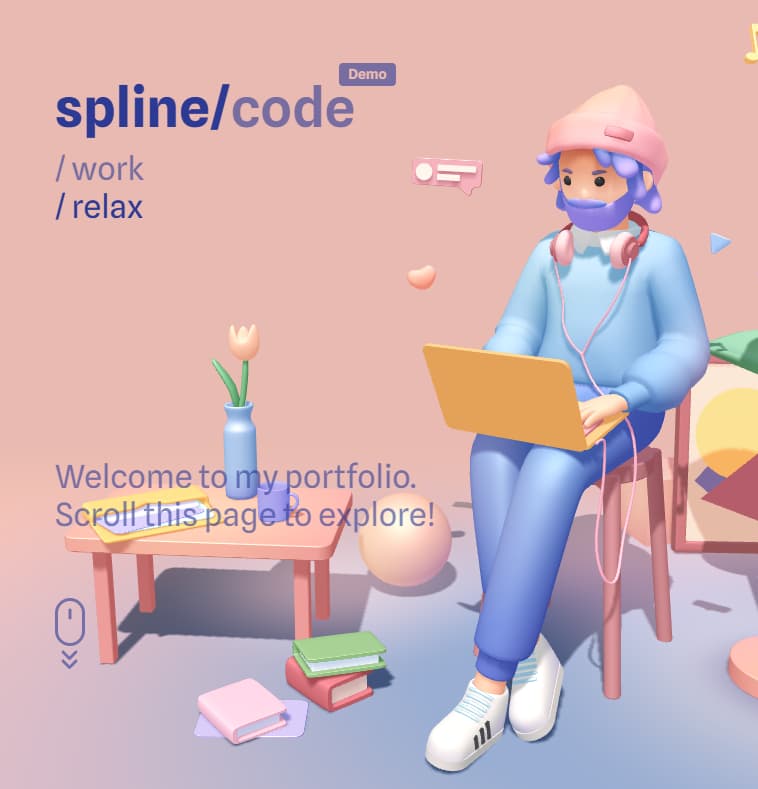
View interactive Three.js demo on CodeSandbox →
Porsche 911 Showcase by PeachWorlds

Explore the Porsche 911 3D experience at PeachWorlds →
Pros:
- Full 6-degrees-of-freedom camera control.
- Real-time lighting, reflection, and physical material changes.
- Truly dynamic geometry interactions.
Cons:
- Large initial asset payloads (3D models, textures, animations often exceeding 20–50 MB).
- High GPU and thermal demand on mobile phones and laptops.
- Steep development and 3D modeling expertise required.
Scrollsequence v2 Depth Maps as an Alternative: If you want 3D mouse tilt and parallax without the complexity and performance penalties of a full Three.js engine, Scrollsequence v2's WebGL depth displacement provides a lightweight middle ground.
Performance and SEO: What Really Matters
A visually stunning video scroll experience can still hurt your website if it impacts Core Web Vitals or obscures indexable content.
Performance Optimization Best Practices
- Multi-Resolution Serving: Never deliver 4K or 1080p desktop frames to mobile phones. Serve 720p or 1280p variants on smaller screens.
- Quality vs. Compression Balance: A quality setting of 75–80 in WebP or JPG maintains crisp edges while trimming up to 60% of frame weight.
- Step Intervals for Long Sequences: For slower movements, exporting every 2nd frame (
--step 2) cuts total payload in half while maintaining perceived fluidity. - Smart Preloading: Preload only the initial 20–30 frames required for immediate above-the-fold engagement; stream the remainder in the background.
SEO Best Practices
- Keep Typography as Semantic HTML: Never bake text into video frames. Keep all headlines, descriptions, and buttons as real HTML in dedicated content layers (
<h1>,<h2>,<p>). - Accessible Fallbacks: Provide clean fallback behavior for visitors who have reduced motion preferences enabled (
prefers-reduced-motion: reduce). - Crawlable Document Structure: Ensure your primary value propositions are accessible to search crawlers even without JavaScript execution.
Conclusion: Bringing Video Scroll to Your Site
Scroll-driven video animations turn static pages into cinematic journeys. They combine the narrative power of video with the exploratory agency of user-controlled interactivity.
With modern tools like Scrollsequence v2, you no longer need bespoke agency budgets or complex custom JavaScript to build these experiences. Whether you are assembling scenes visually in WordPress Gutenberg with the new Media Tools or orchestrating high-performance Canvas layers in React and Next.js, video scroll is now more accessible and performant than ever.
Read more

Scroll Image Animation: The Complete Guide (2026)
A comprehensive guide to scroll-driven image sequence animations: history, real-world examples, performance, SEO, and the best implementation methods across WordPress, GSAP, Motion, Anime.js, and Scrollsequence.

React Example
React Example
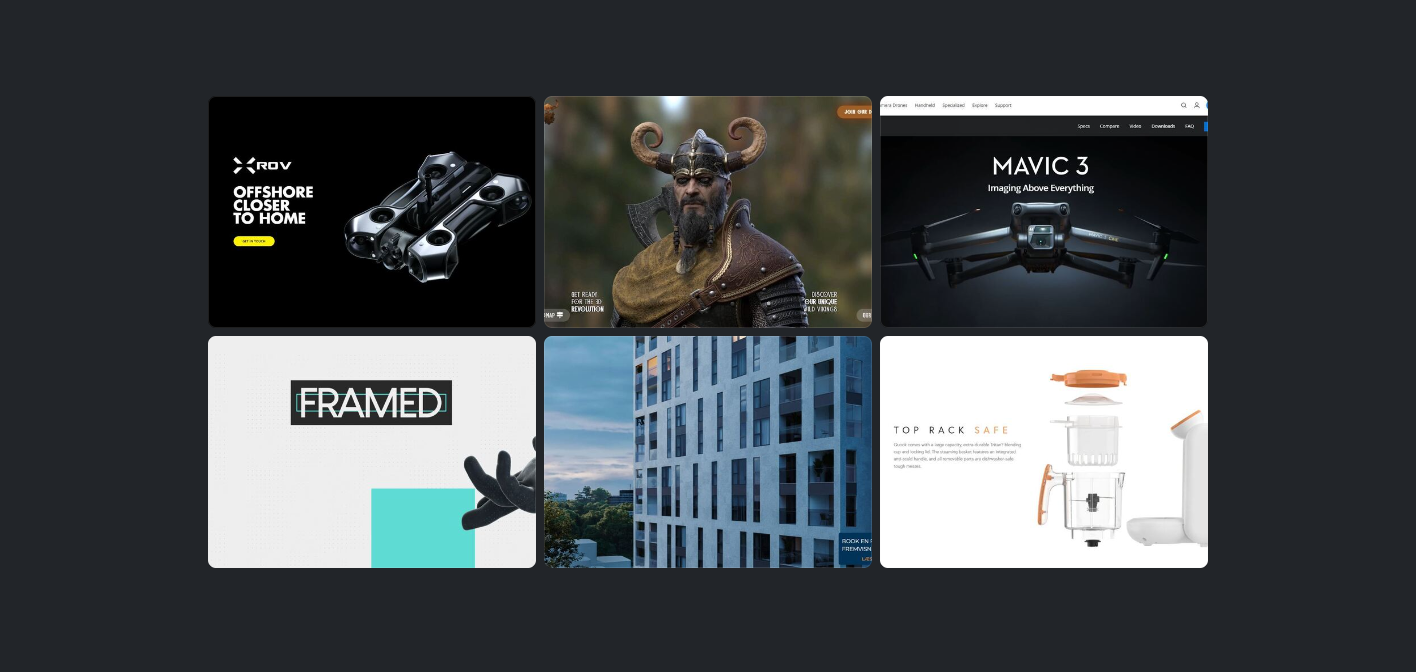
7 Inspiring Examples of Image Sequence Scroll Animation
Explore real-world examples of image sequence scroll animations in action—from Apple and DJI to boutique agencies and 3D product launches.