Scroll Image Animation: The Complete Guide (2026)
A comprehensive guide to scroll-driven image sequence animations: history, real-world examples, performance, SEO, and the best implementation methods across WordPress, GSAP, Motion, Anime.js, and Scrollsequence.

Scroll-driven image sequence animations are one of the most powerful techniques for creating immersive, high-engagement web experiences. Unlike autoplay videos or traditional CSS animations, these sequences respond directly to user scroll: playing forward, rewinding, and pausing naturally as visitors explore the page.
What was once a "holy grail" reserved for tech giants with massive engineering budgets is now far more accessible. In 2026, designers and developers have multiple practical ways to implement scroll-controlled image animations—from visual WordPress block builders to modern JavaScript libraries and developer SDKs.
In this guide, we'll explore:
- What scroll image animation really is and how it functions under the hood
- A brief history of how Sony, Apple, and Samsung popularized the technique
- The primary implementation options: WordPress plugins, bespoke JavaScript, and modern animation libraries (GSAP, Motion, Anime.js)
- The modern code approach: How to build high-performance canvas sequences with Scrollsequence in React and Next.js
- Critical considerations for performance, Core Web Vitals, and SEO
What Is Scroll-Driven Image Animation?
Scroll-driven image animation (also known as scroll-controlled image sequences, video scroll, or canvas scrubbing) is a technique where an animation progresses frame-by-frame based on the user's scroll position.
Instead of pressing "play" on a passive video element, the visitor controls playback intuitively:
- Scroll down: Animation advances forward.
- Scroll up: Animation rewinds smoothly.
- Stop scrolling: Animation pauses crisply on the active frame.
This tight feedback loop creates an immediate sense of interactivity and makes product storytelling, complex engineering reveals, and page transitions feel deliberate rather than passive.
A Brief History of Scroll Image Sequences
Early scroll-based image sequences required complex custom engineering and painstaking optimization. Only a handful of companies had the specialized expertise to deliver smooth 60 FPS playback across varying hardware.
1. Sony: "Be Moved" (2014)
One of the earliest and most ambitious milestones was Sony's legendary Be Moved campaign. While the original microsite is no longer live, archival recordings show how revolutionary it was for its era, using scroll as an expressive narrative device rather than a simple navigation tool.
[!NOTE] Curious about the technical architecture behind Sony's site? Read the detailed breakdown on ihatetomatoes.
2. Apple: AirPods Pro
Apple elevated scroll-driven animations into mainstream design consciousness with product pages like the AirPods Pro and Apple Watch. Their implementation set the modern benchmark: silky canvas drawing, restrained typography pinning, and meticulous frame optimization.
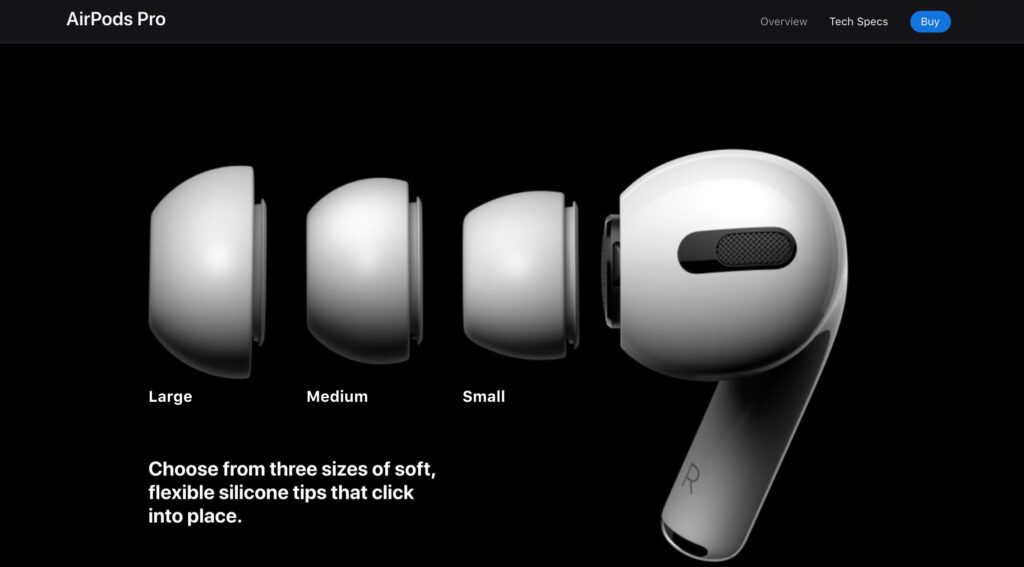
For an in-depth reverse-engineering of Apple's technique, explore the Naker deconstruction or watch the video breakdown by ihatetomatoes.
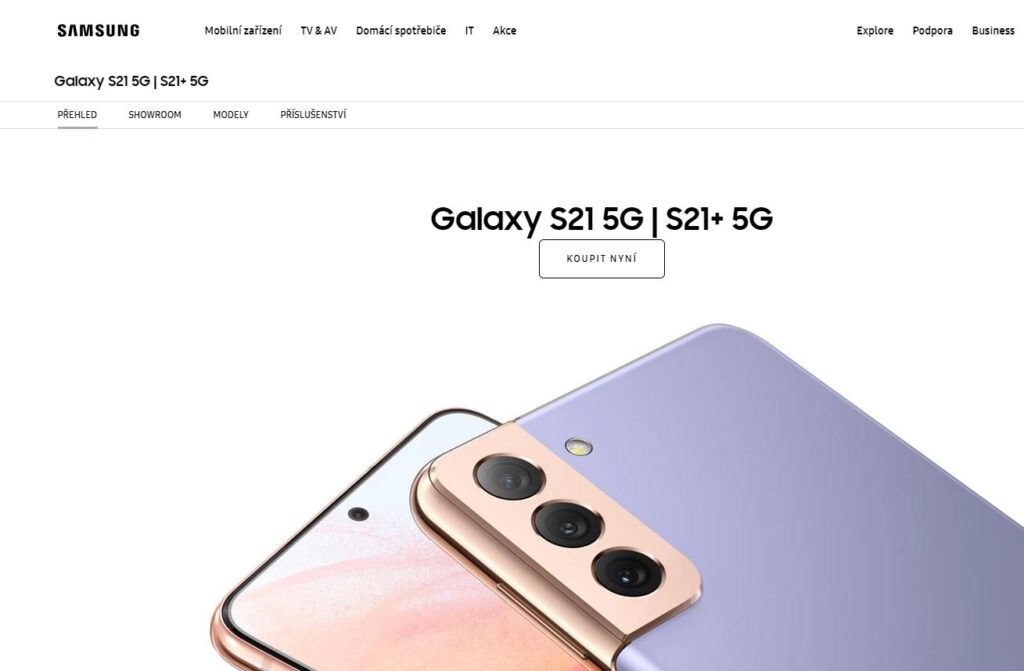
3. Samsung: Galaxy S21
Samsung adopted a more restrained approach, using subtle image sequence scrubbing to reveal camera modules and hinge mechanics without overwhelming the core shopping flow.
How to Build Scroll Image Animations Today
In 2026, you have four distinct architectural paths to create scroll animations:
- Dedicated WordPress Plugins (Fastest, zero-code)
- Custom Vanilla JavaScript & Canvas (Total control, high maintenance)
- Modern Animation Libraries (GSAP, Motion, Anime.js)
- Developer Engines & Frameworks (Scrollsequence React / SDK)
Option 1: WordPress Plugin (The Visual Path)
For WordPress sites, using a dedicated tool like Scrollsequence is by far the fastest route to production.
Instead of writing custom canvas rendering loops and resize listeners, you manage the sequence visually:
- Native Gutenberg block suite (
Scene→Layer→Canvas 2D) - Integrated Media Tools (
vid2ssq) that convert MP4 video into image sequences directly inside the editor - Timeline controls for fading and moving HTML content layers
- Built-in multi-resolution loading and responsive canvas scaling
Best for: Marketing sites, agency client projects, and content creators who need fast turnarounds with reliable performance.
Option 2: Custom Vanilla JavaScript
Building your own engine from scratch offers maximum flexibility, but requires solving several subtle technical hurdles.
Choosing Your Display Element
<img>Tag (srcswapping): Swapping imagesrcpaths on scroll is straightforward to write, but can introduce visual flickering and cache misses during fast scrubbing. See the classic CSS-Tricks tutorial.<video>Element (currentTimeseeking): Seeking through compressed video on scroll sounds convenient, but is plagued by keyframe latency (GOP spacing) and aggressive mobile decoder throttling. Read more on the GreenSock video scrub discussion.<canvas>2D Context (The Gold Standard): Drawing pre-decoded image bitmaps onto a<canvas>element viactx.drawImage()provides 60 FPS hardware acceleration and instantaneous bi-directional playback. Check out this Canvas sequence CodePen demo.
Option 3: JavaScript Animation Libraries
If you are building custom web applications with JavaScript or TypeScript, several animation libraries provide excellent building blocks for scroll synchronization.
Option 1: The Scrollsequence Developer Engine (React & Next.js)
If you love the simplicity of component-driven development and want production-ready features—such as multi-resolution switching, asset preloading, and optional 3D depth displacement—without writing hundreds of lines of canvas glue code, you can use the Scrollsequence Library.
1. Generate Your Asset Sequence via CLI
Turn any raw MP4, MOV, or WebM into an optimized multi-resolution image pack and configuration manifest in seconds:
# Processes video locally and outputs to ./public/hero-sequence
npx scrollsequence vid2ssq input.mp4 --name hero-sequence --sizes 1280,1920 --format webp
2. Render with Native React Components
Install the library:
npm install scrollsequenceThen import and configure your sequence with declarative components:
"use client";

import { Scene, Layer, Canvas2d } from "scrollsequence/react";
import manifest from "@/public/hero-sequence/scrollsequence-manifest.json";

export default function ProductHero() {
  return (
    <main>
      {/* Sticky container */}
      <Scene>

        {/* Hardware-accelerated Canvas Sequence Layer */}
        <Layer>
          <Canvas2d
            mediaGroups={[
              {
                type: "manifest",
                rootDir: "hero-sequence/",
                imageSizes: manifest.imageSizes,
              },
            ]}
          />
        </Layer>

        {/* Synchronized Floating Content Layer, can be animated in sync with media groups */}
        <Layer placement="center center">
          <div className="text-center text-white">
            <h1 className="text-5xl font-bold tracking-tight">
              Precision Engineered
            </h1>
            <p className="mt-4 text-lg text-neutral-300">
              Scroll down to inspect
            </p>
          </div>
        </Layer>

      </Scene>
    </main>
  );
}
This approach automatically handles device-pixel-ratio scaling, viewport-responsive size swapping (1280px vs 1920px), frame preloading, and cleanup on component unmount.
2. Motion (formerly Framer Motion)
Motion is one of the most popular animation libraries for React, Next.js, and modern vanilla JavaScript. Its declarative useScroll and useTransform hooks make it simple to map scroll distance to frame indexes:
Learn more in the Motion Scroll Documentation.
3. GSAP + ScrollTrigger
GreenSock (GSAP) and its ScrollTrigger plugin remain the classic for high-end web interactions. ScrollTrigger provides pinning, timeline scrubbing, and smooth snapping.
By using GSAP's snap and timeline controls, you can smoothly animate a virtual frame counter and render the current image to a canvas on update:
- CodePen Demo: AirPods Canvas Scrubbing with GSAP
- Video: Creating UI Animations with GSAP ScrollTrigger
4. Anime.js
Anime.js is a lightweight, zero-dependency JavaScript animation engine created by Julian Garnier. While Anime.js doesn't include built-in scroll pinning like GSAP, you can easily scrub through an Anime.js timeline using native scroll listeners or lightweight observers:
For advanced use cases, explore the Anime.js documentation and examples.
Critical Performance & Optimization Rules
Because scroll animations execute directly on the main thread during scrolling, efficiency is essential.
1. Optimize Image Decoding
The most computationally expensive step during animation is decoding compressed JPG or WebP data into an uncompressed pixel bitmap.
- Use
createImageBitmap()orimg.decode()asynchronously prior to drawing. - Never trigger layout reflows inside scroll callbacks.
- Batch frame rendering inside
requestAnimationFrame.
2. Multi-Resolution Variants
Serving 4K or full 1080p images to a mobile device wastes bandwidth and exhausts GPU texture memory. Always generate responsive variants (e.g. 1280px for mobile/tablet, 1920px for desktop).
3. Core Web Vitals Safeguards
- LCP (Largest Contentful Paint): Preload the first visual frame immediately so the hero section renders before the sequence scripts execute.
- CLS (Cumulative Layout Shift): Always enforce an explicit aspect ratio or
vhcontainer height on the canvas wrapper to prevent layout jumps. - INP (Interaction to Next Paint): Use passive event listeners (
{ passive: true }) for scroll monitoring to keep the main thread responsive to user clicks and taps.
SEO and Accessibility
Search engine crawlers index text, not pixel drawings on a canvas. Keep these rules in mind:
- Keep Headlines in Semantic HTML: Never burn marketing copy or feature names into video frames. Position text inside HTML layers (
<h1>,<h2>,<p>) so search crawlers can index every word. - Respect Motion Preferences: Always provide a static fallback for visitors who have enabled
prefers-reduced-motion: reduce. - Sensible Fallbacks: Ensure the page communicates its core value proposition clearly even if JavaScript fails to load or execute.
Summary
Scroll-driven image animations create a tangible connection between visitor actions and visual storytelling. By selecting the right approach—whether that is the no-code convenience of the Scrollsequence WordPress plugin, modern JavaScript libraries like GSAP and Motion, or the Scrollsequence React SDK—you can craft cinematic experiences that captivate visitors without sacrificing speed, accessibility, or search rankings.
Read more

React Example
React Example
Video Scroll in Webdesign: The Ultimate Guide
Everything you need to know about video scroll animations in 2026: how they work, the 3 technical approaches, performance, SEO, and how Scrollsequence modernizes the workflow.
7 Inspiring Examples of Image Sequence Scroll Animation
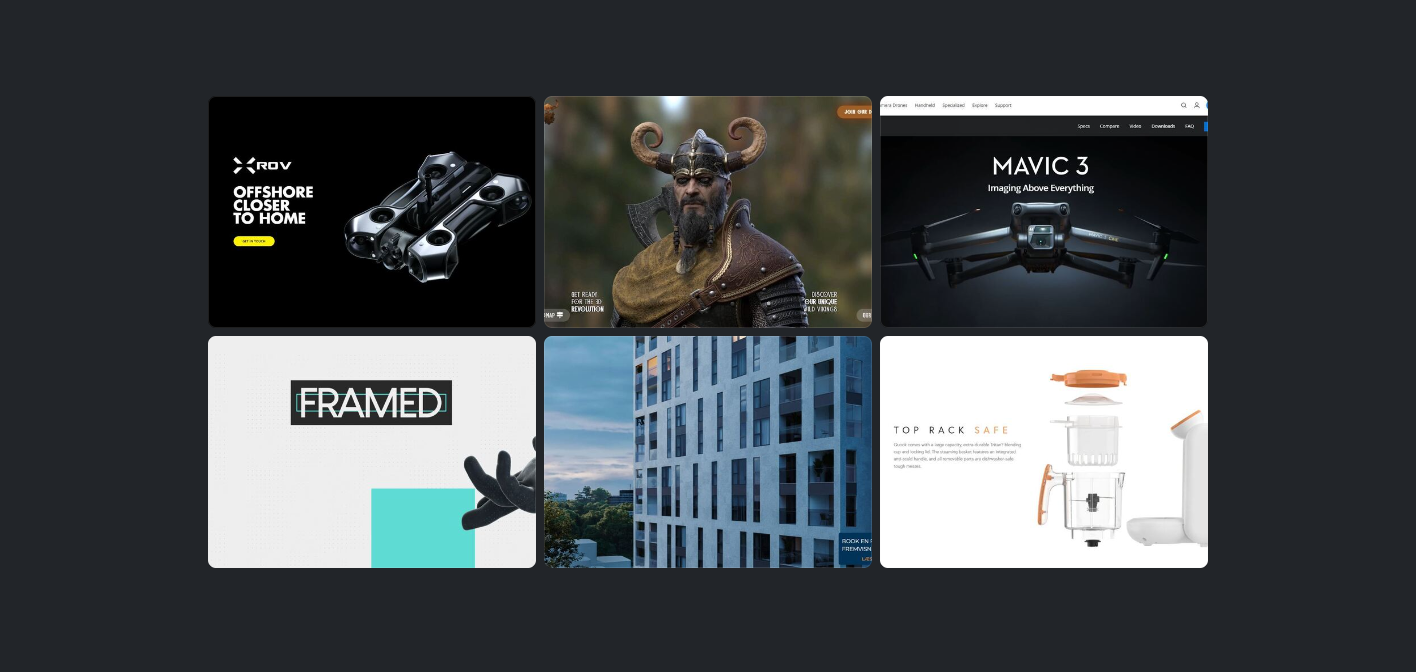
Explore real-world examples of image sequence scroll animations in action—from Apple and DJI to boutique agencies and 3D product launches.